Tracking & pixels
Waveband Signal is the first-party measurement layer: impression pixels and click redirects are attached to your creatives automatically, and a lightweight site tag captures visits and conversions on your site. Everything lands in one reporting model: no third-party trackers.
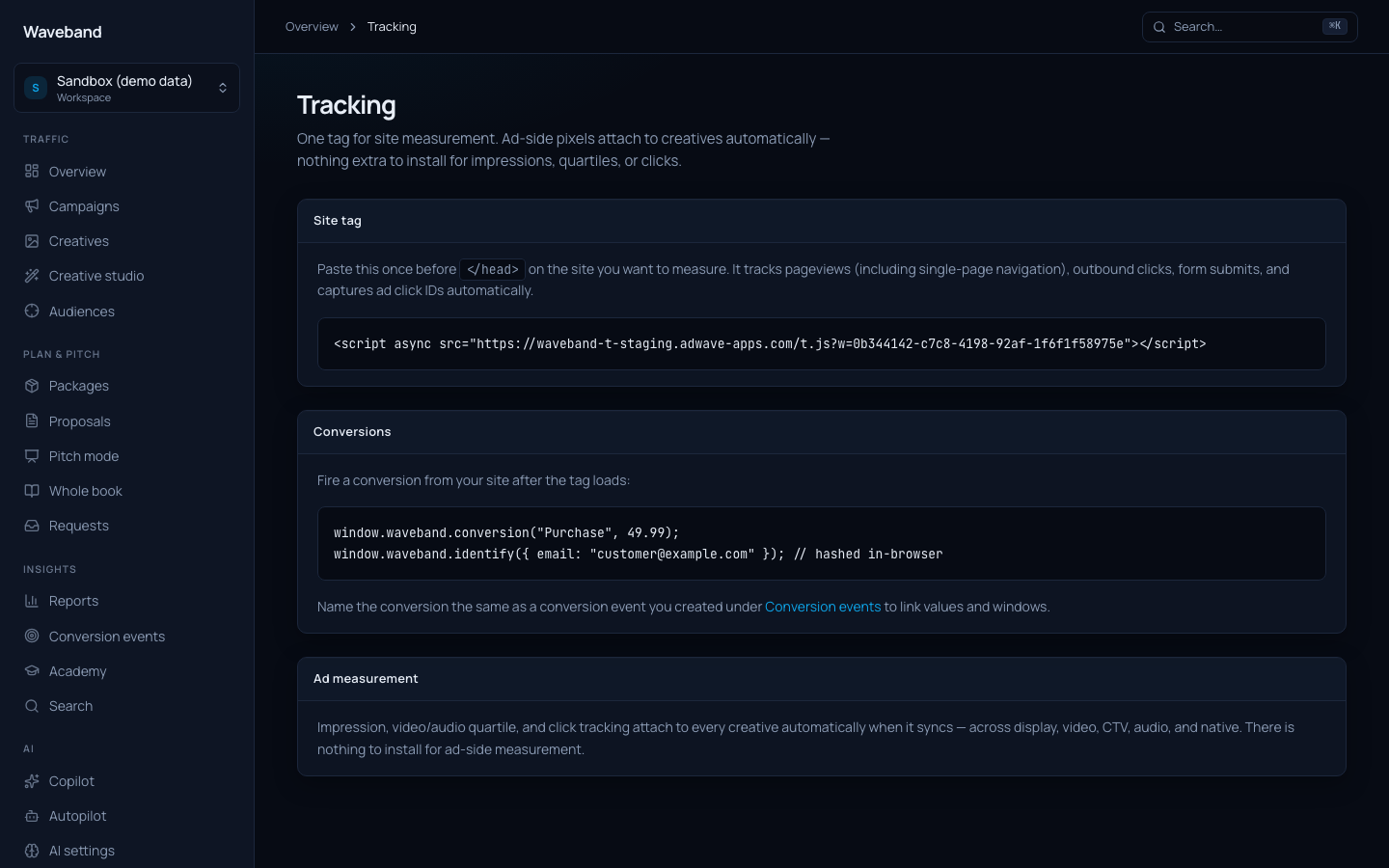
Site tag
Install once, site-wide, from Console → Tracking (the snippet is workspace-specific):
<script async src="https://<your-host>/t.js?w=<workspace-id>"></script>
The tag records pageviews (including single-page-app navigations), captures click ids from landing URLs (wbclid), and exposes a tiny API:
// Track a conversion (name must match a conversion event you created)
waveband("track", "Purchase", { value: 49.99, orderId: "A-1001" });

// Associate a hashed email for cross-device attribution (optional)
waveband("identify", { email: "[email protected]" });
Values are dollars; we convert to minor units at ingest. identify hashes the email in the browser before sending: the raw address never reaches our servers.
Impression & click tracking
Nothing to install: creatives trafficked through Waveband automatically carry an impression pixel and a click redirect that stamps wbclid onto your landing page URL. Keep that parameter intact through redirects.
Attribution
Conversions are attributed once, through the strongest available lane:
- Click: the conversion carries an
wbclidfrom an ad click. - Person: the same visitor previously arrived via an ad click.
- Household (CTV/audio only): the conversion came from a network that saw an impression (IPs are salted-hashed; raw addresses are never stored).
Results appear in Reports and via GET /api/v1/reports.
Third-party pixels on your creatives
Add external impression trackers per creative via the impressionTrackers field. Useful when a client's ad server also needs to count delivery.